Tapt
An offline-first NFC attendance system that turns card taps into DepEd's monthly SF2 report.
- Role
- Full-stack developer
- Type
- Thesis, team project
- Timeline
- Aug 2026 to present
- Status
- Ready for pilot
The problem
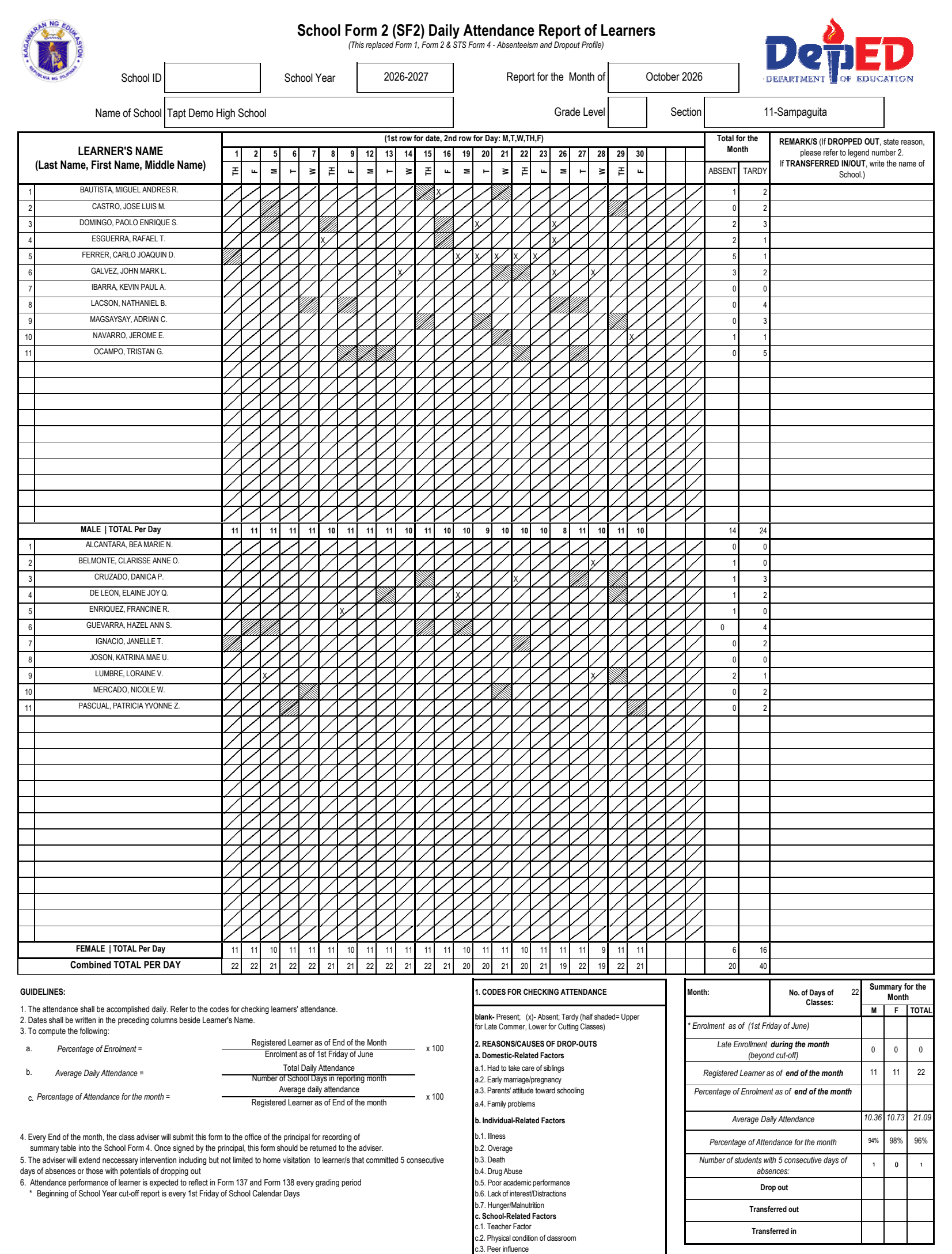
At the partner school, a public senior high school in Pangasinan, attendance was kept on paper. A student class secretary wrote attendance on a logsheet every subject period, the subject teacher signed it, and at the end of the month the class adviser tallied everything by hand into School Form 2 (SF2), DepEd's Daily Attendance Report of Learners.
The SF2 is strict: each day splits into AM and PM half-days, partial absence counts as tardy, learners are grouped by sex with subtotals, and the form needs monthly statistics like Average Daily Attendance and learners with five consecutive absences. Doing that by hand every month is slow and error-prone, and a lost or unsigned logsheet leaves a gap the adviser has to reconstruct.
Who uses it
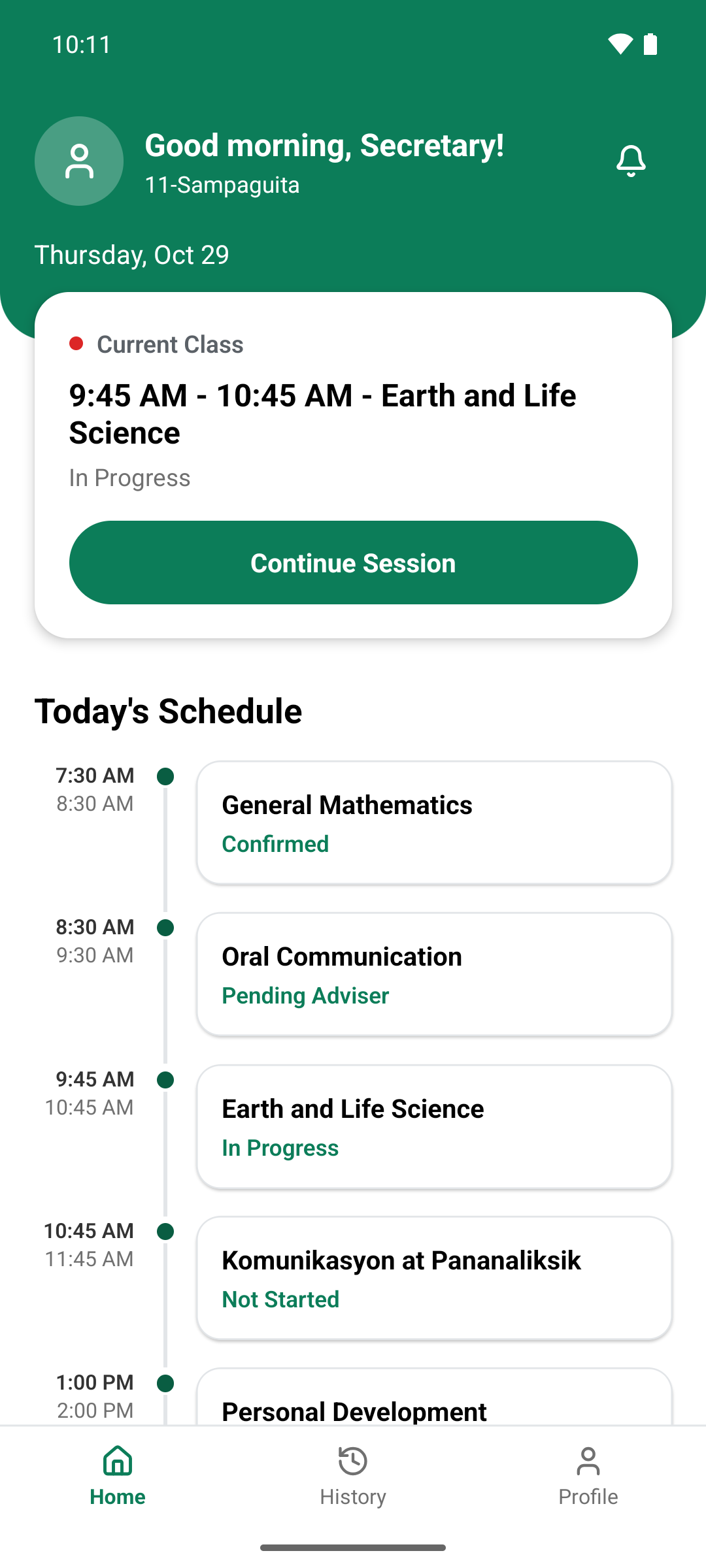
- 01Class secretary: scans classmates' NFC cards on an Android phone
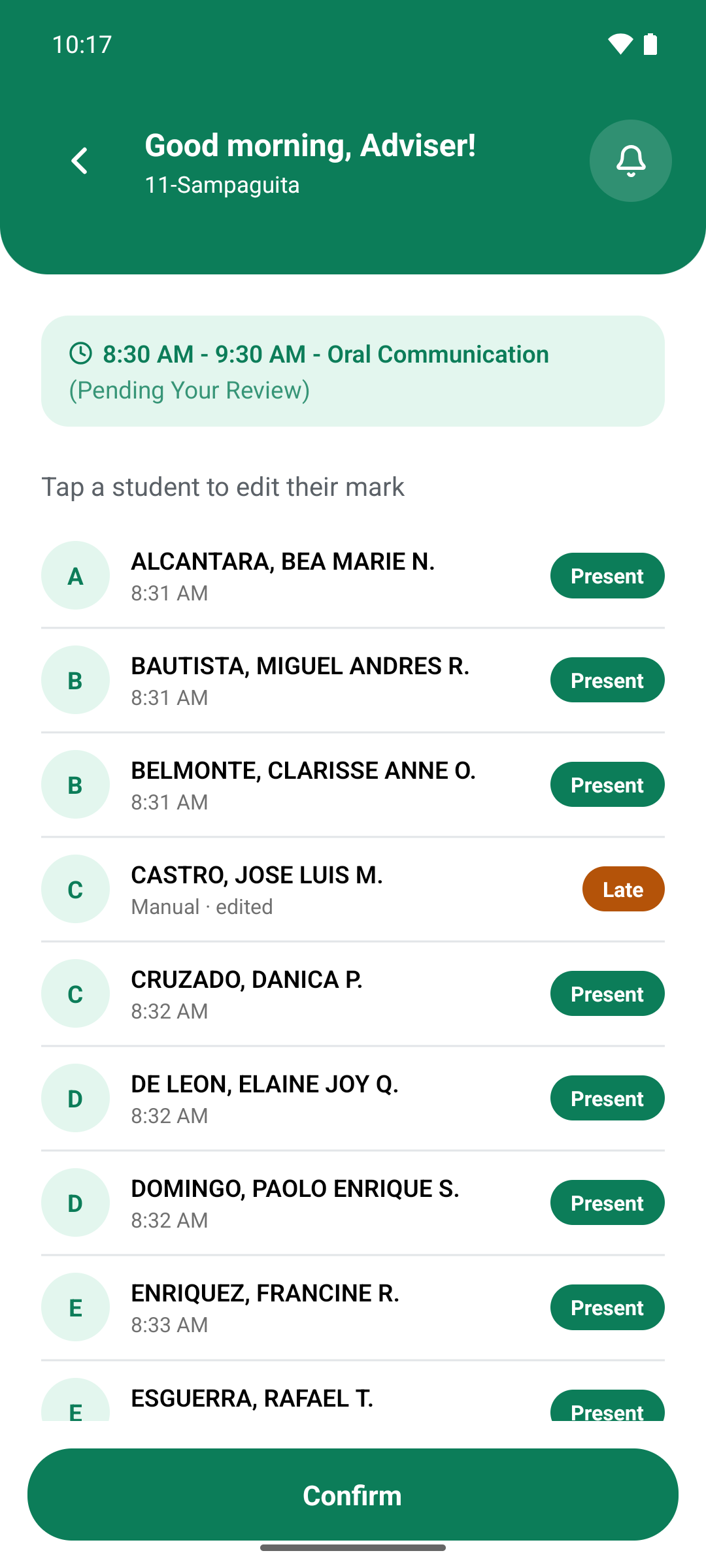
- 02Class adviser: reviews, corrects and confirms each session, then exports the SF2
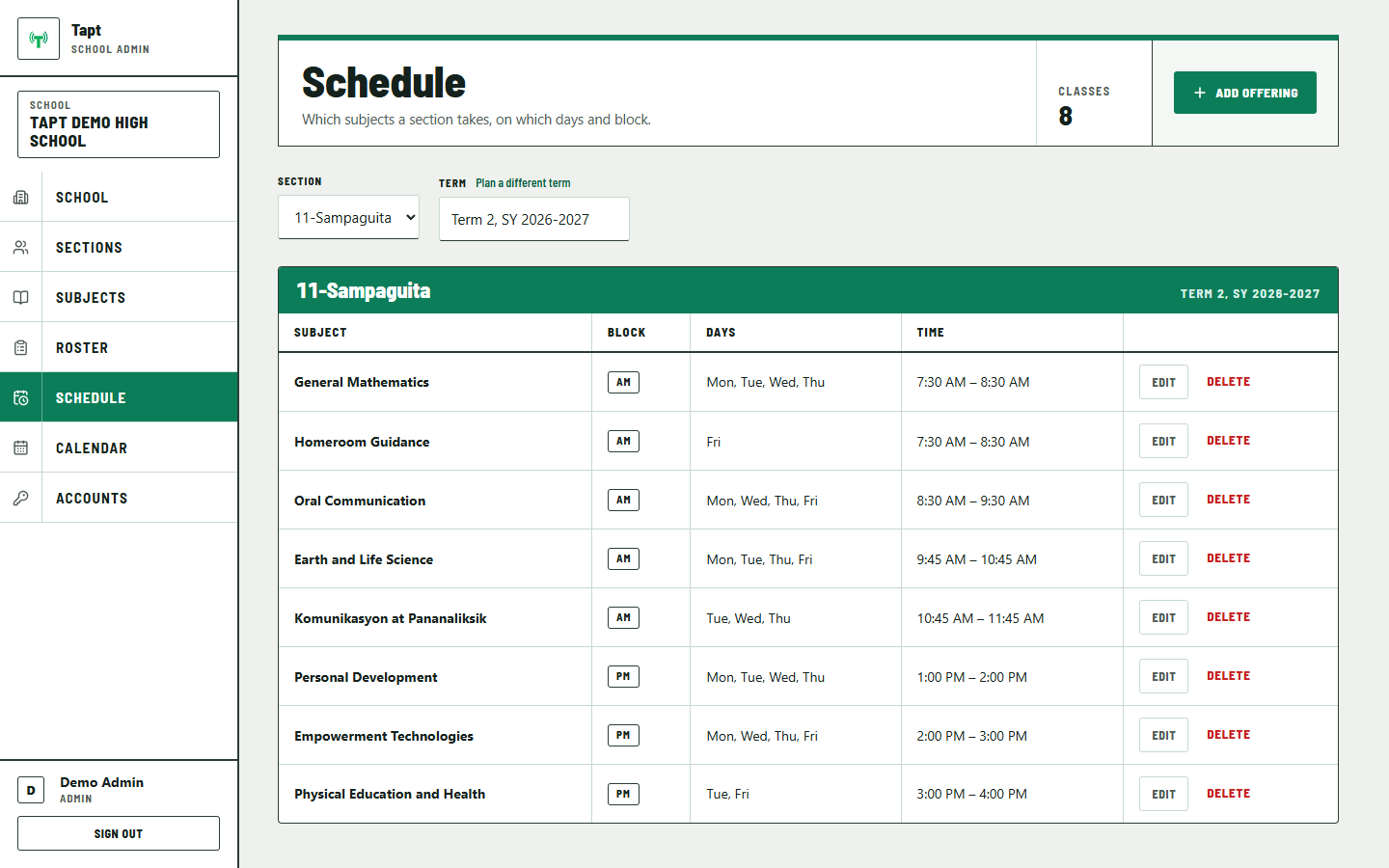
- 03Admin: sets up the school, rosters, schedules and suspensions on the web
- 04Students: just tap their cards, with no account to manage
Constraints
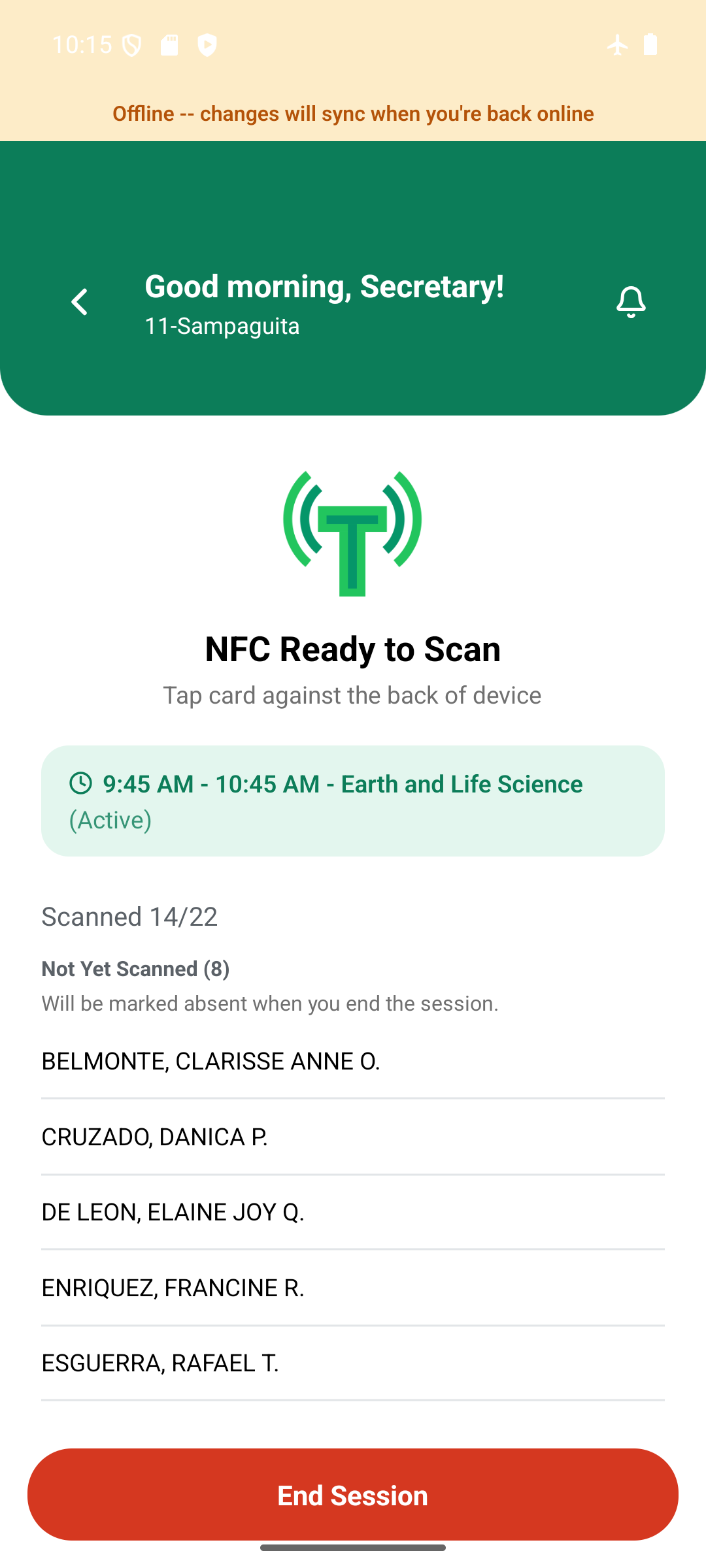
- The classroom has no reliable Wi-Fi or mobile data, so the app had to work fully offline. This was a hard requirement, not a nice-to-have.
- The secretary takes attendance in the short change between periods, so scanning had to be fast and hard to get wrong.
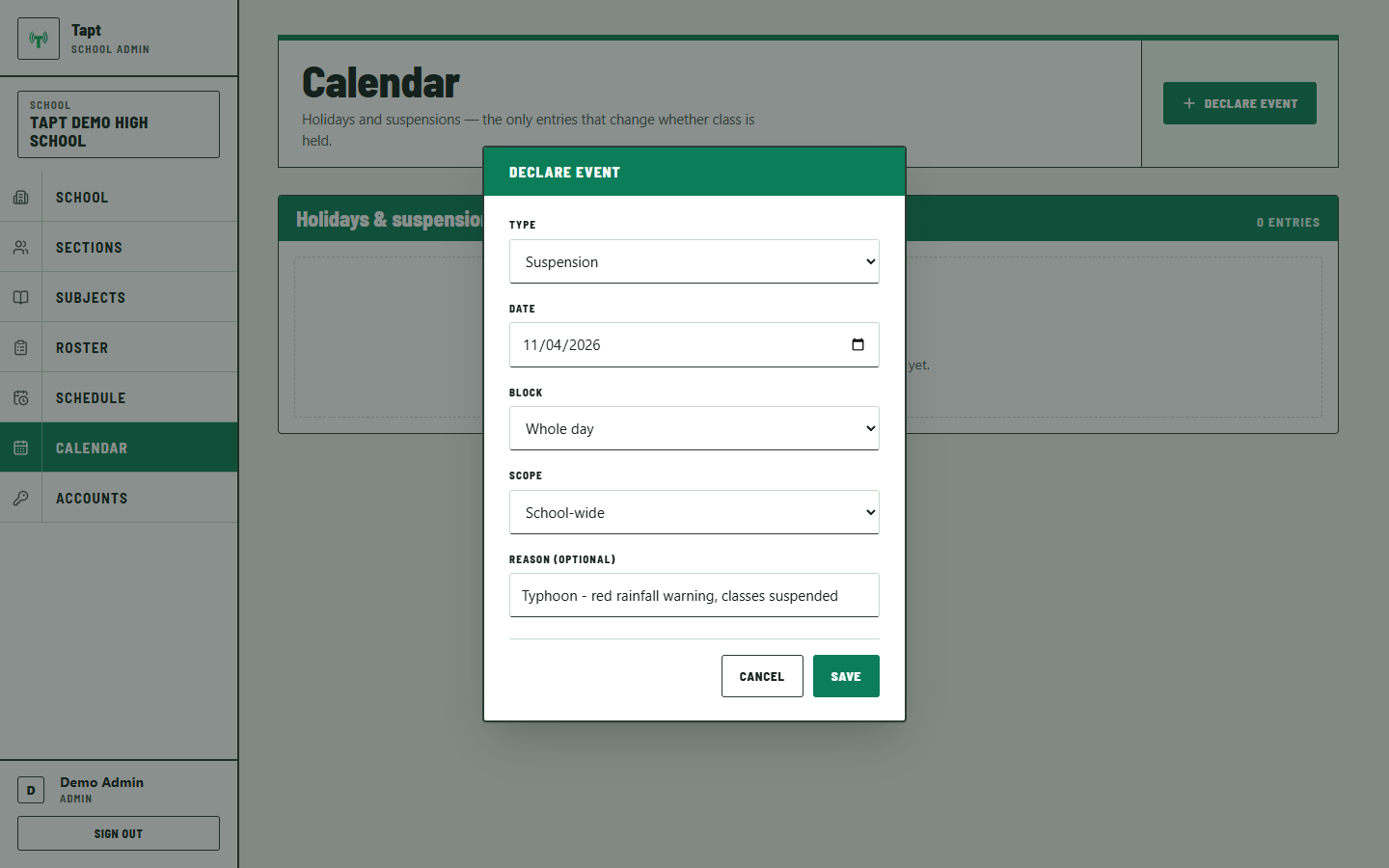
- Class suspensions for typhoons and flooding come from several sources (PAGASA, DepEd, the provincial DRRMO, the LGU, the school) and arrive unpredictably.
- The output had to be the official SF2, matching DepEd's rules exactly, not a look-alike report.
- The data is about minors, so access had to follow the Data Privacy Act of 2012 (RA 10173): scoped by role, with as little data collected as possible.
Key decisions
- 01
Offline-first with a local write queue
Every write is saved to SQLite on the phone before any network call. A sync queue sends writes to Supabase one at a time, in the exact order they were made, retrying with backoff. Order matters because the server only accepts taps while a session is open: if "session ended" arrived before an offline tap, the tap would be rejected. A bug that broke this ordering was found, fixed and covered by tests.
- 02
IDs made on the phone, so retries are harmless
Sessions and attendance records get their UUID on the phone, not from the server. The server upserts on that ID, so if the app is killed after a write lands but before it's marked synced, sending it again updates the same row instead of creating a duplicate. A double tap reuses the existing record too.
- 03
Access rules live in the database
Supabase row-level security is on for every table: each school sees only its data, secretaries and advisers only their section, and each role can write only what it should. A bug in the app can't leak another section's attendance. Work that needs secret keys, like filling the SF2 or creating accounts, runs in Edge Functions so the keys never reach a phone.
- 04
Only the adviser corrects marks
Subject teachers aren't in the system, so the adviser's confirmation replaced the paper signature. A card tap is the only way a secretary can mark someone present, and the database blocks anything else. Every correction is the adviser's, and the original mark is kept for audit.
- 05
Follow the real SF2 exactly
The export fills DepEd's official Excel template, with cell addresses read from the actual file. An early draft used a majority rule for half-days; after checking with the adviser and the real form, it was corrected to the count-and-compare rule the SF2 actually uses.
From tap to SF2
On the phone, offline
Card tap
UID looked up in the cached card list
Saved to SQLite
record written locally, with a UUID made on the phone
Queued
the full row goes into a write-ahead sync queue
Sync queue
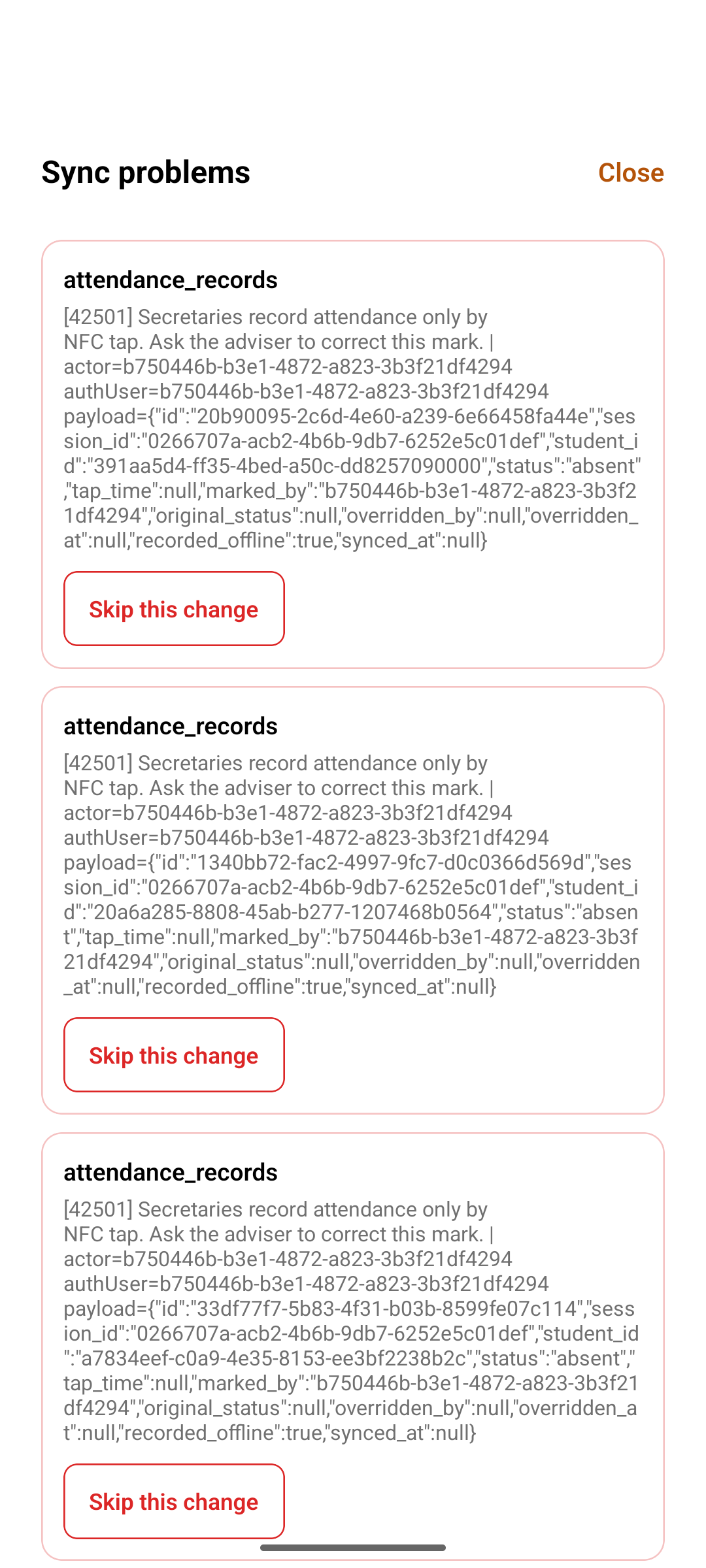
Sends one write at a time, in the order made. Retries network errors with backoff from 2 to 60 seconds; real rejections go to a Sync Problems screen.
On Supabase
Upsert on the UUID
a retry updates the same row, never a duplicate
Row-level security
checks school, section and role on every write
Adviser confirms
corrections keep the original mark
SF2 export
confirmed sessions roll up into the official template
Getting the SF2 right
Requirements came from a site visit and questionnaire at the school, its real class program, a real DepEd school calendar, the official blank SF2 template read cell by cell, and direct confirmation of the half-day rule with the adviser.
- Half-day rule: absent in none of a block's sessions is Present, in some is Tardy, in all is Absent.
- Suspensions and holidays mark a block as no class, so fully suspended days never count as absences. A suspension declared mid-session ends it; the data is kept but excluded.
- Learners are grouped by sex with subtotals, and the monthly summary fills Average Daily Attendance, percentage of attendance and five-consecutive-absence counts.
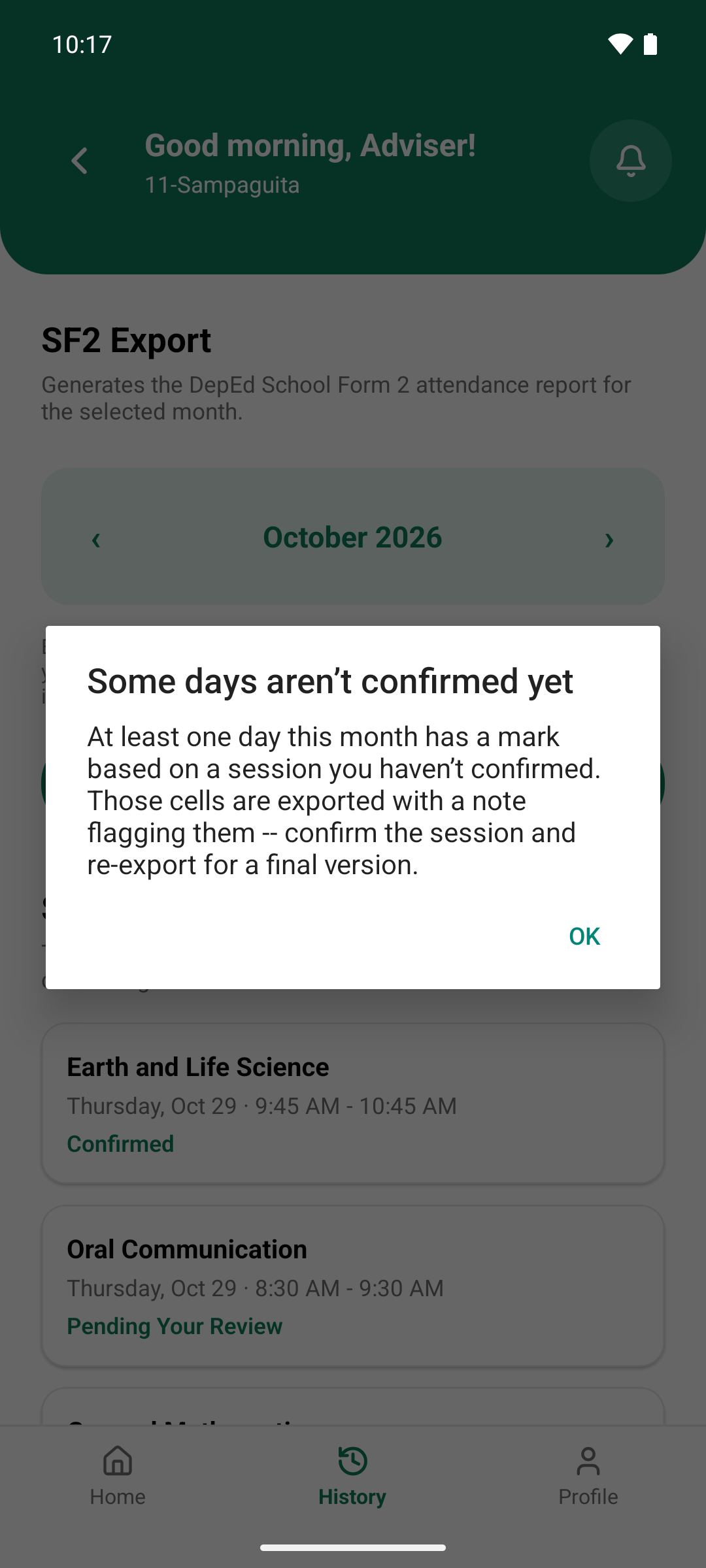
- Unconfirmed sessions don't block the export. They're flagged for the adviser, the same way a missing paper sheet is handled today.
- Advisers can also download a blank SF2 with the class list and school days filled in, for filling by hand.
Screens
What it does
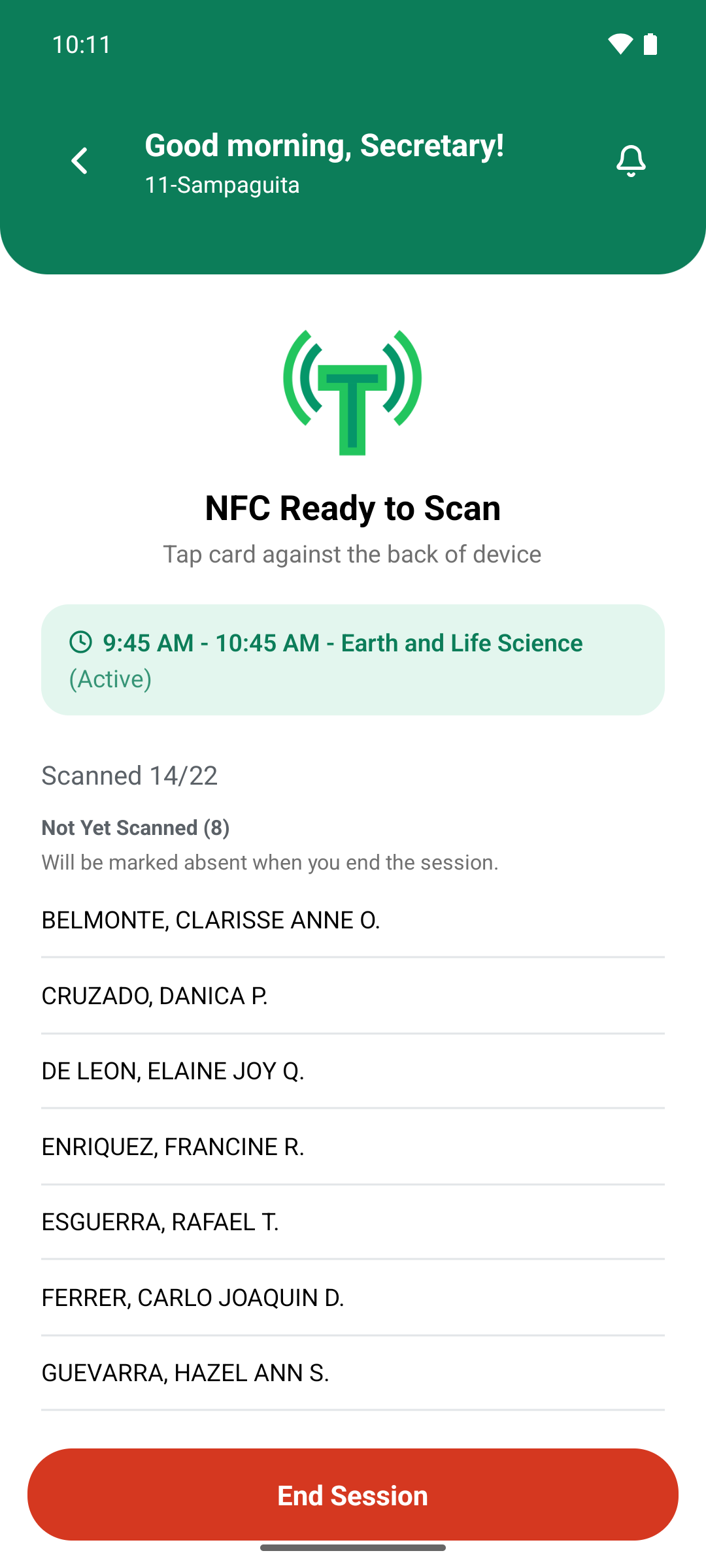
- NFC scanning with the card's read-only UID; nothing is written to the card
- Session flow: start, tap, end (non-tappers become absent), adviser confirms
- Push notifications to the adviser for each finalized session
- Sync Problems screen for writes the server rejects, so nothing is skipped silently
- Roster import from the school's SF1 Excel export
- Weekly class schedule, holidays and suspensions managed by the admin
- Monthly SF2 export through a short-lived private link
- 15-table PostgreSQL schema with row-level security on every table
How it was built
About 60 commits between late August and October 2026. Testing covered 22 Vitest unit tests for sync ordering, backoff, error handling and suspension rules, emulator runs including offline and device-clock scenarios, a database test of the secretary's write rules, and checks that forged login tokens are rejected.
A dry run at the partner school on real phones confirmed login, NFC scanning and push notifications work, and surfaced one limit: the sync queue is per phone, so each account needs its own device.
At the thesis panel evaluation, the panel made ten suggestions. Nine were built, tested and deployed the same day, including database rules that stop secretaries from marking attendance by hand; two-factor authentication was deferred to future work.
A 2 to 4 week pilot with two sections and 100 NFC cards is planned, with the paper SF2 kept in parallel to compare accuracy.